Most developers no longer read documentation start to finish. They paste a page into an AI coding assistant and ask it to write the integration. If the docs weren't written with that workflow in mind, the assistant guesses — and guessing in a payments integration means misapplied fee fields, missed webhook cases, or a checkout that looks right until a refund or chargeback event breaks it.
That's the problem we've been closing at docs.costplus.io. The documentation has been restructured to work as well for an AI assistant reading it as for a developer reading it directly.
1. What changed on docs.costplus.io
The core documentation at docs.costplus.io/docs now offers two things developers were previously piecing together manually:
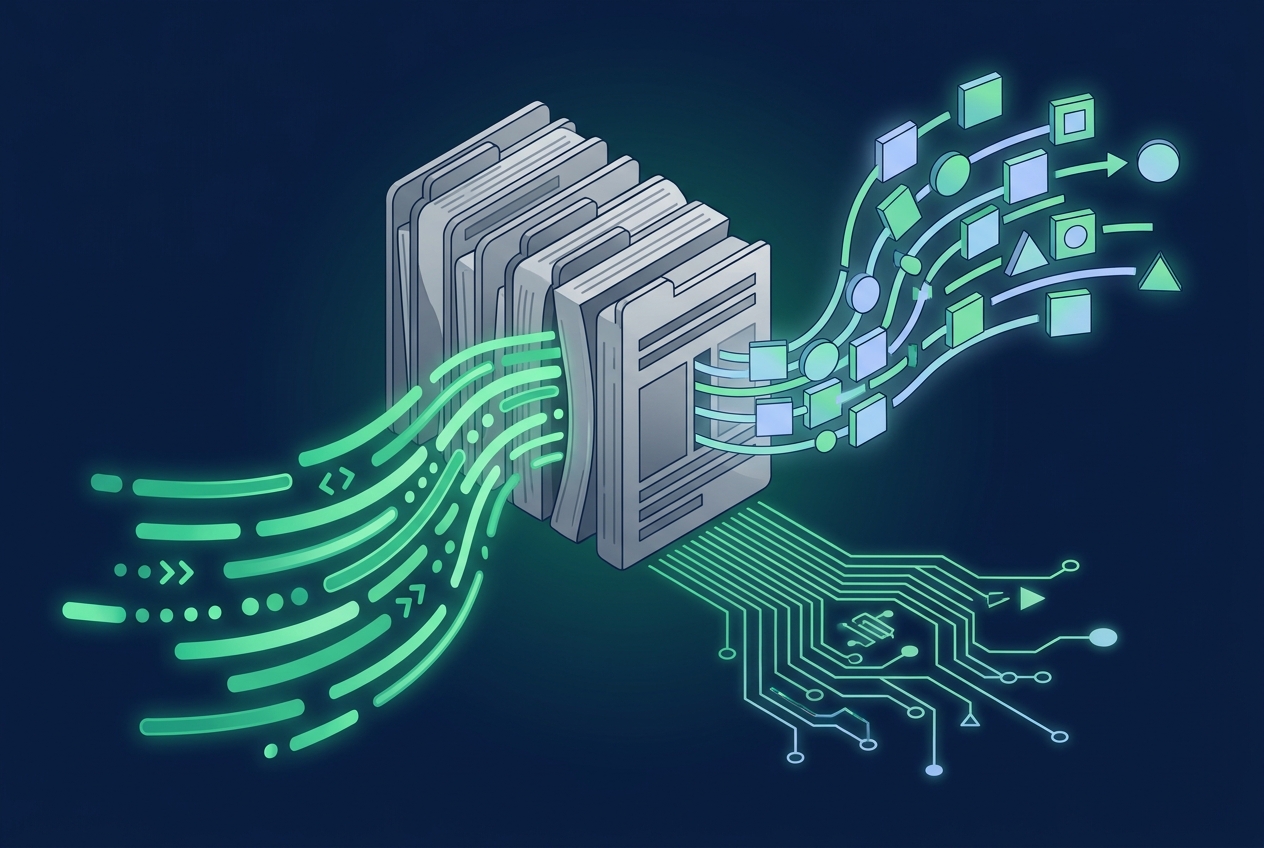
- Markdown copy of each page, so the exact source content can be pasted into an AI assistant without HTML noise, navigation chrome, or broken formatting.
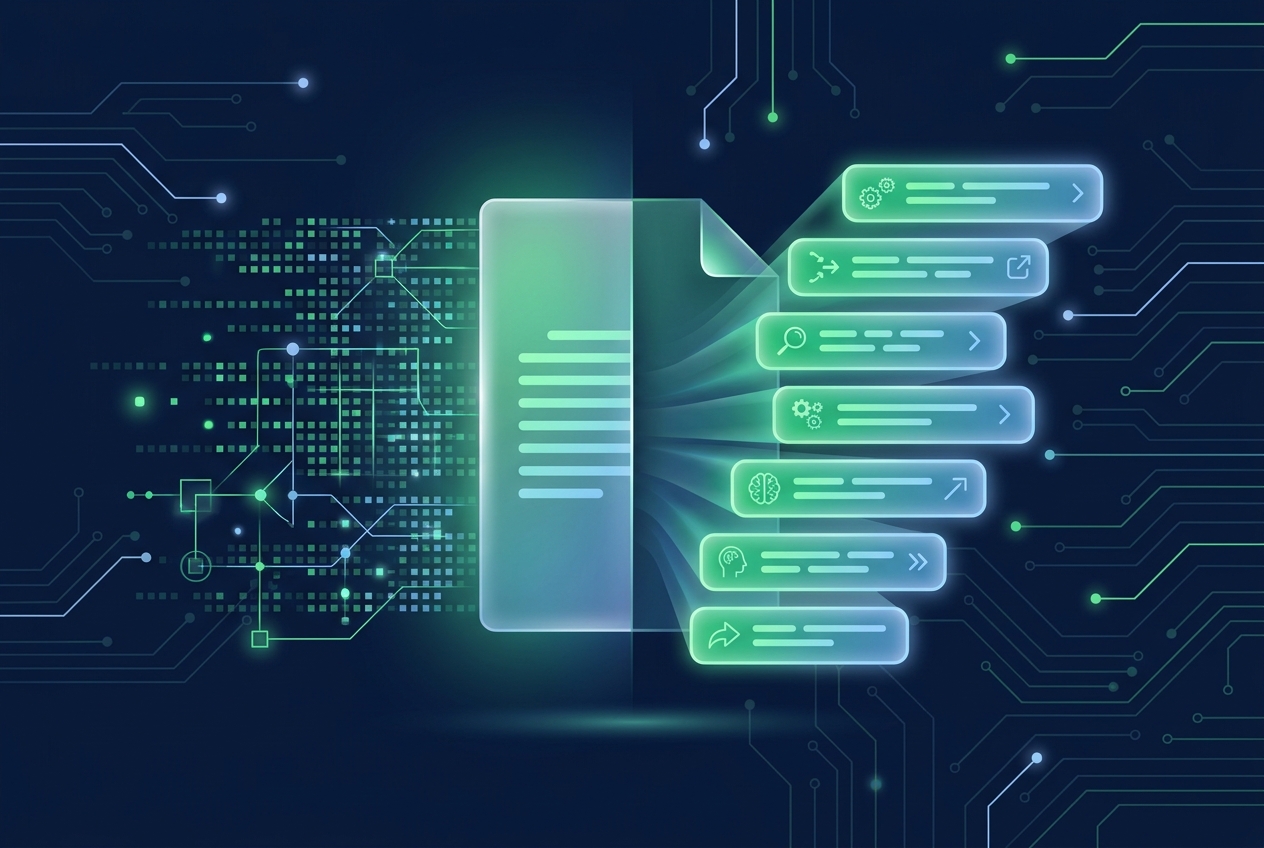
- Ready-made AI prompts attached to relevant pages, written to describe the Cost+ integration task precisely — API fields, expected responses, and IC++ (Interchange Plus Plus) fee structure included.
- Open-in-AI shortcuts that send the page content directly into a connected AI tool, cutting out the copy-paste step entirely.
This matters most for the parts of an integration that are easy to get subtly wrong: authorization flows, webhook handling, and how IC++ fee components — interchange, scheme fee, and the Cost+ markup — should be read and displayed back to a merchant. A prompt that already encodes those specifics reduces the chance an assistant improvises an incorrect assumption.
2. The dedicated AI hub
Alongside the documentation update, Cost+ has published a standalone hub at docs.costplus.io/ai. It's built specifically for teams using AI tools as part of their implementation process, rather than as a general FAQ section bolted onto the developer docs.
The hub brings together the pieces a developer needs when handing an integration task to an AI assistant:
- Prompt templates scoped to common integration goals, such as wiring up the API, setting up a Hosted Payment Page, or handling refund and chargeback webhooks.
- Direct links into the API reference formatted for machine reading as well as human reading.
- Guidance on which parts of an integration still need a human review pass — pricing display logic and compliance-sensitive flows in particular.
That last point is intentional. Cost+ is not suggesting AI tools should make every decision in a payments integration unsupervised. Fee logic, chargeback handling, and anything customer-facing around pricing should still get a human review before it ships to production.
3. Why this matters for payments specifically
Payment integrations carry more risk than a typical API integration. A malformed webhook handler for a chargeback event, or a checkout page that displays the wrong fee breakdown, has real financial consequences — not just a broken UI.
Good documentation for AI tools isn't different from good documentation for developers — it's just more precise about the details an assistant can't infer on its own.
An assistant reading unstructured prose has to guess which fee field maps to which line item. A prompt that states the IC++ structure explicitly removes that guesswork.
This is also where Cost+'s pricing model makes the documentation job more tractable in the first place. Because Cost+ prices are itemised into interchange, scheme fee, and Cost+ markup rather than blended into a single opaque rate, there's a clear, stable structure to document and to encode into a prompt. A blended-rate processor that quotes one number can't offer the same precision — there's nothing granular to describe.

4. What this looks like in practice
Say a developer is integrating Cost+ into a WooCommerce store and wants an AI assistant to help wire up the checkout. Instead of pasting a general "Cost+ documentation" link and hoping the assistant infers the right endpoints, they can now:
- Open the relevant integration page on docs.costplus.io/docs.
- Use the markdown copy or open-in-AI shortcut to hand the assistant exact, current content — not a stale summary from the model's training data.
- Pull a scoped prompt from docs.costplus.io/ai for the specific task, such as displaying the IC++ fee breakdown on an order confirmation page.
- Review the generated integration against the API reference before deploying, particularly the fee display and webhook logic.
The result is fewer round trips between "the AI produced something plausible" and "the AI produced something correct." That gap is where most integration time gets lost.
5. Staying ahead of how code actually gets written
AI-assisted development isn't a future consideration for payments companies — it's already how a meaningful share of integrations get built today. Documentation that assumes a developer will read every paragraph manually is documentation that's already behind. Updating docs.costplus.io to work equally well as a human reference and as AI-ready input is a direct response to that shift, not a speculative bet.
This doesn't change anything about Cost+'s pricing or how transactions are processed — IC++ pricing, the published low-risk offer, and the same acquiring partners remain exactly as documented. What's changed is how quickly and accurately that structure can be turned into working code.
If you're planning an integration, start at docs.costplus.io/docs or the AI hub, and check current fee terms with our fee calculator or contact sales if your use case needs a custom quote.